

This page covers one-off follow-ups during an active conversation.If you want to start conversations and get a first reply instead, use sequences.
Schedule follow-ups
After sending a reply:- Write the message you want to send if the person doesn’t get back to you.
- Click the arrow next to Send, or press
⌘ Shift + Enter. - Choose when the follow-up should be sent.

- Later today
- Tomorrow
- In 3 days
- Next week
- Custom to choose an exact date and time
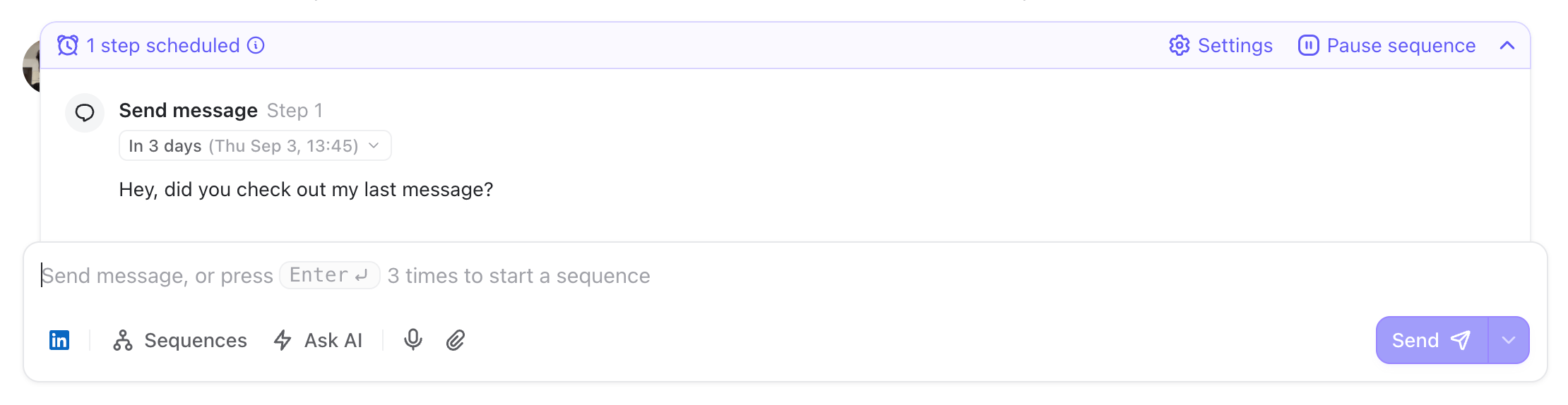
If they reply, the follow-up is canceled
By default, TalkToHumans checks whether the person replied before sending your follow-up. If they did, the follow-up is automatically canceled.Review or change a scheduled follow-up
You stay in control until the message is sent. From the scheduled follow-up above the composer, you can:- Edit the message
- Click its date and time to reschedule it
- Copy it
- Delete it
- Pause the scheduled actions for that conversation
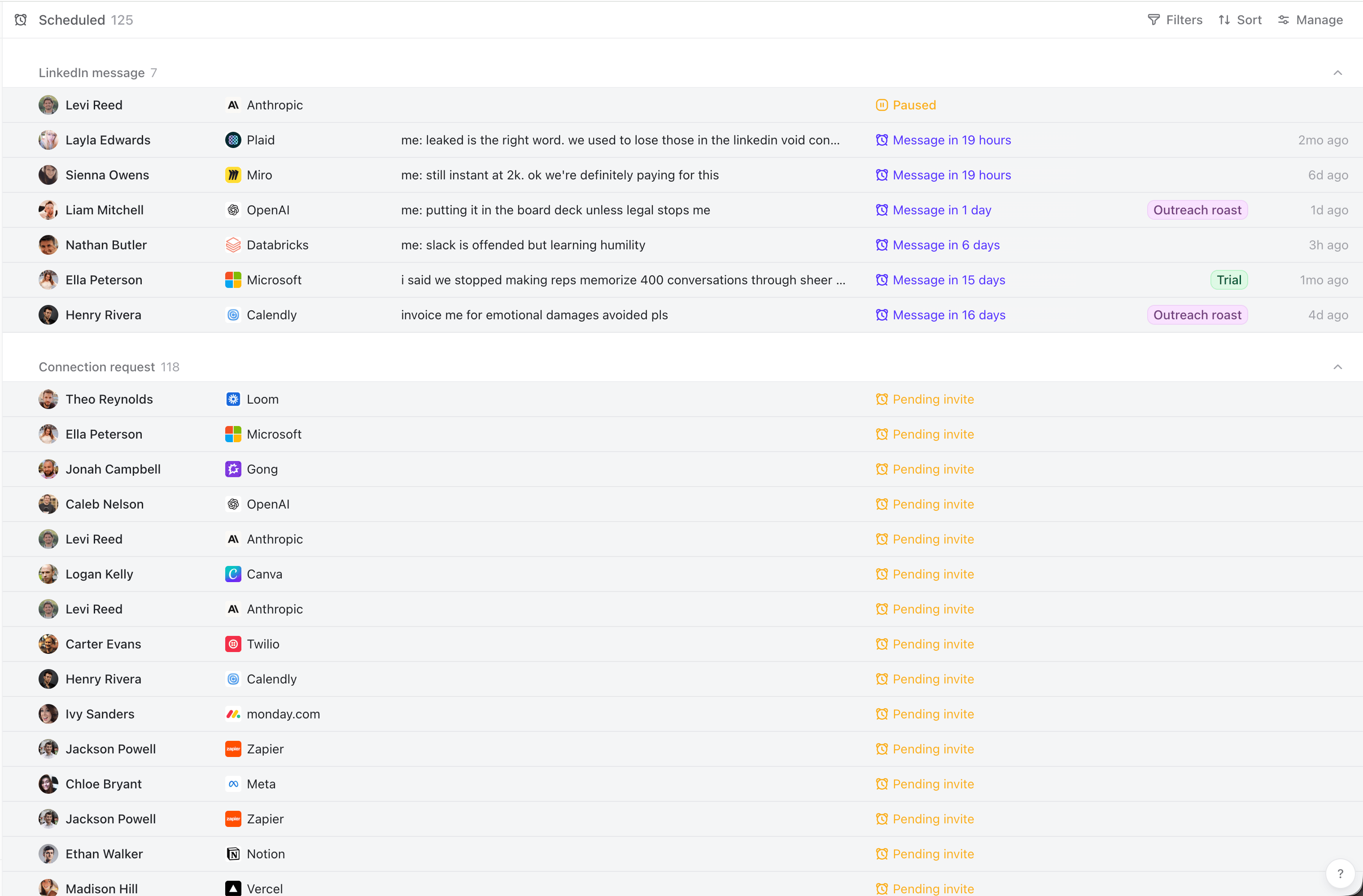
Work through follow-ups as a queue
Open the To follow up inbox to find conversations where you sent the last message and haven’t heard back. A fast workflow looks like this:- Press
JandKto move between conversations. - Press
Enterto focus the composer. - Write the next follow-up.
- Press
⌘ Shift + Enterand choose when it should bet sent. - Press
Esc, thenJto move to the next conversation.