

Connect TalkToHumans MCP
Follow the MCP setup guideDon’t need MCP and want to use the API directly? They support the same actions.Read our API documentation here.
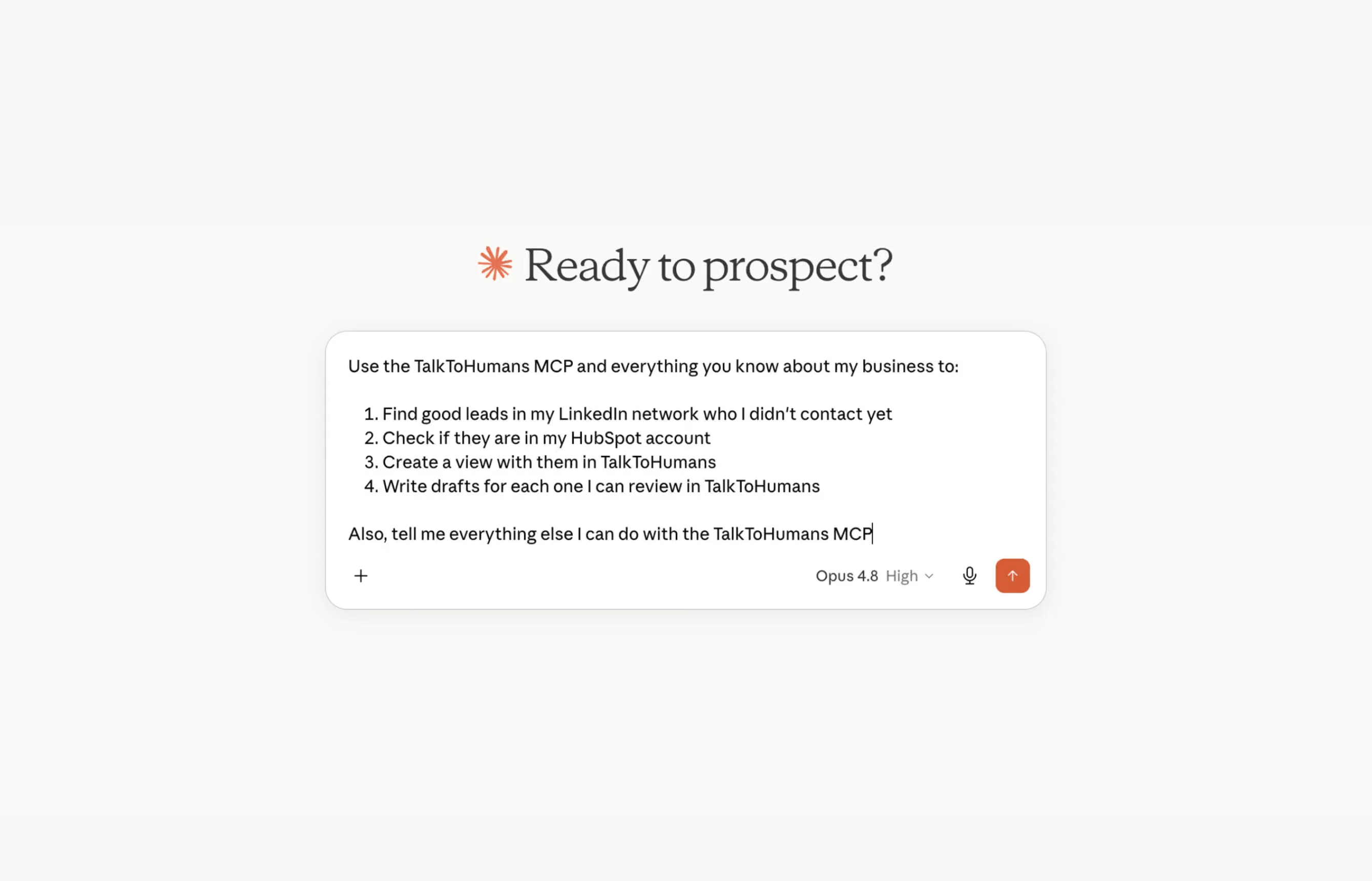
Some useful use cases
Find leads in your network
Your next opportunities may already be in your LinkedIn network. Chances are, at least 10–20 people in your existing network already fit your ICP. The best part is that you can message them right now without having to send a connection request first, as they are already connected to you. Run this prompt to do so:Find daily leads online
Using the TalkToHumans MCP and a tool like Parallel Search, you can prompt your favorite AI tool to find relevant leads for you every day:Analyze your outbound performance
One of the most powerful use cases for AI is analyzing your LinkedIn outbound performance. Run this prompt to do so:Score leads by ICP score
If you’ve imported contacts into TalkToHumans, you might want to prioritize them from the best to the worst, according to your own criteria for your exact ICP. Here is how you would do it: First, create a dedicated “ICP score” custom field on contacts. Then, run this prompt:Automatically tag contacts for better organization
One of the most used TalkToHumans features is tagging. It works well when you work through up-to-date conversations or contacts But sometimes, you want to backfill a lot of contacts or conversations, and it would be annoying to do manually You can use your favorite AI tool to do it for you:Draft messages for your leads
Writing a good first message isn’t always easy. Sometimes, a little help from AI is useful to get past the blank page and give you ideas. TalkToHumans MCP lets your favorite AI tools draft messages for your leads, but you still have to review every message in the app before sending it.AI cannot send messages on your behalf, see why in the last section