


Profile enrichment does not use your LinkedIn account.TalkToHumans does not visit profiles one by one through your browser or LinkedIn session to collect this data. This keeps unnecessary activity away from the account you are trying to protect.
What enrichment can add
Profile and company data
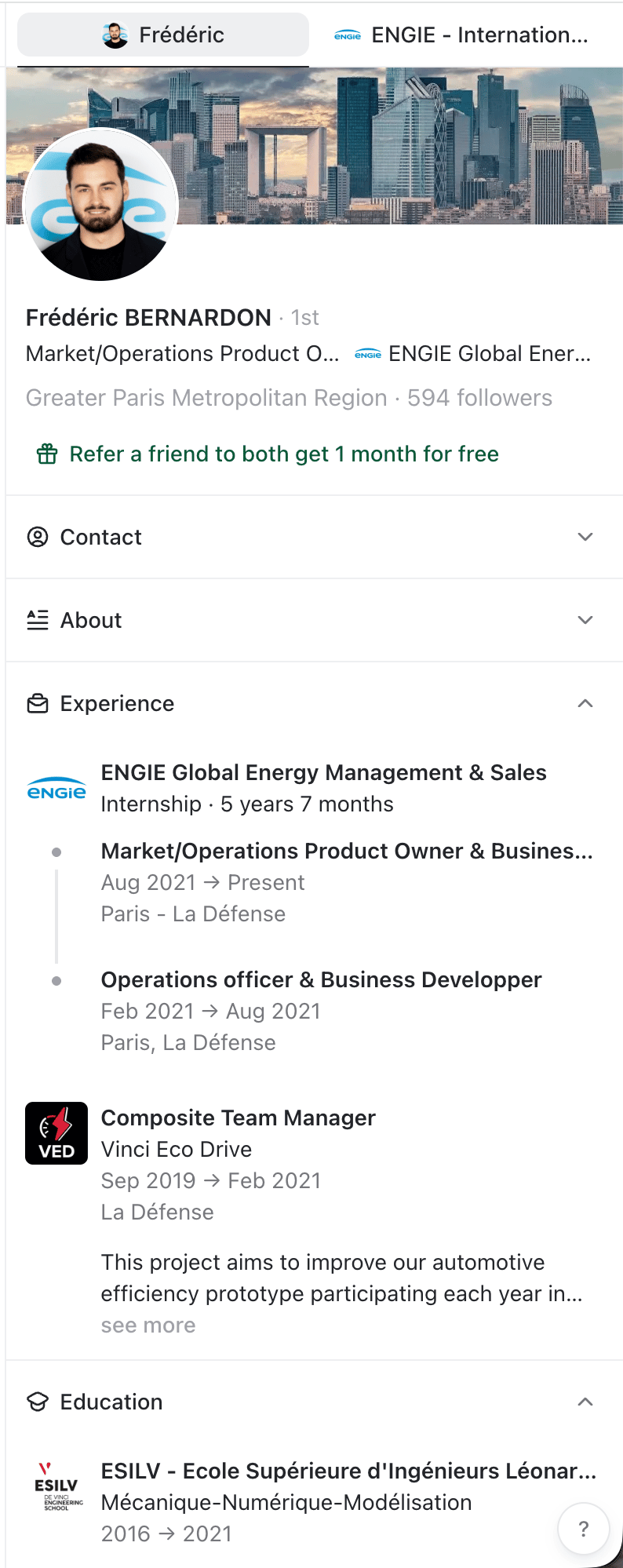
Profile enrichment pulls a recent snapshot of the person’s LinkedIn profile instead of leaving you with whatever limited data was available when they were first imported. Depending on what the person has made available on LinkedIn, this can include:- Name, headline, and bio
- Profile photo and cover image
- Current job title and primary company
- Location and time zone
- Followers and connections counts
- Work experience
- Education and languages
- Company name, description, and logo
- Website
- Industry
- Headquarters and other locations
- Employee count and employee range
- Founding date
- Followers count
Work email and mobile phone
You can find a work email or mobile phone number for any contact within TalkToHumans.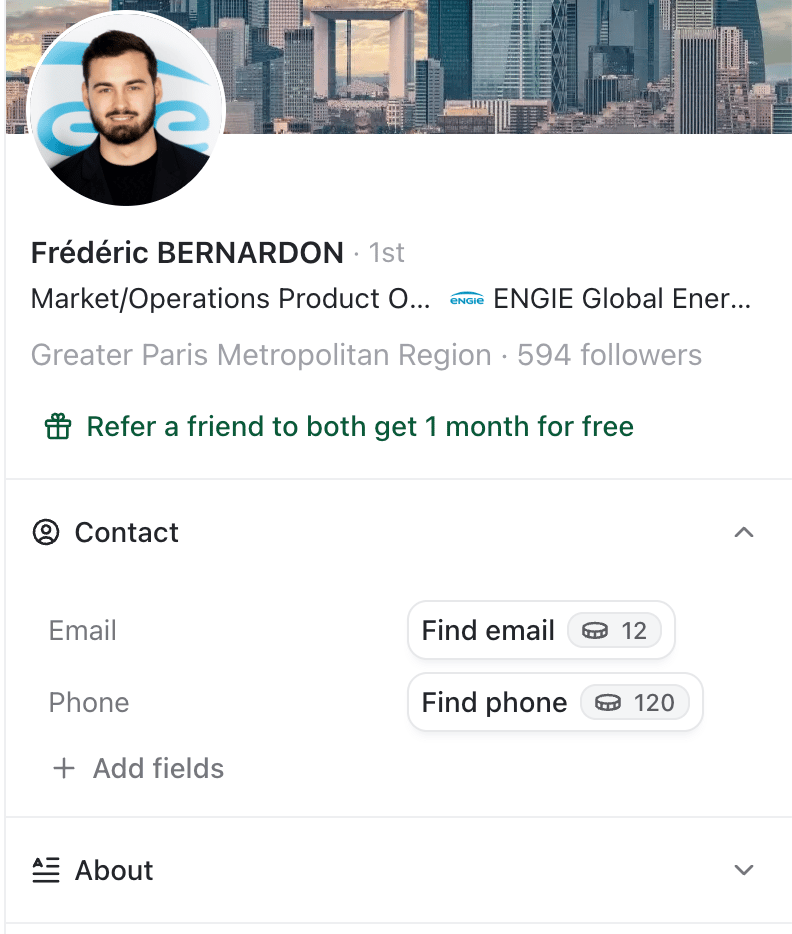
Because the waterfall checks several providers in sequence, a search can take a few minutes to finish.
Credit costs
Automatically enrich new contacts
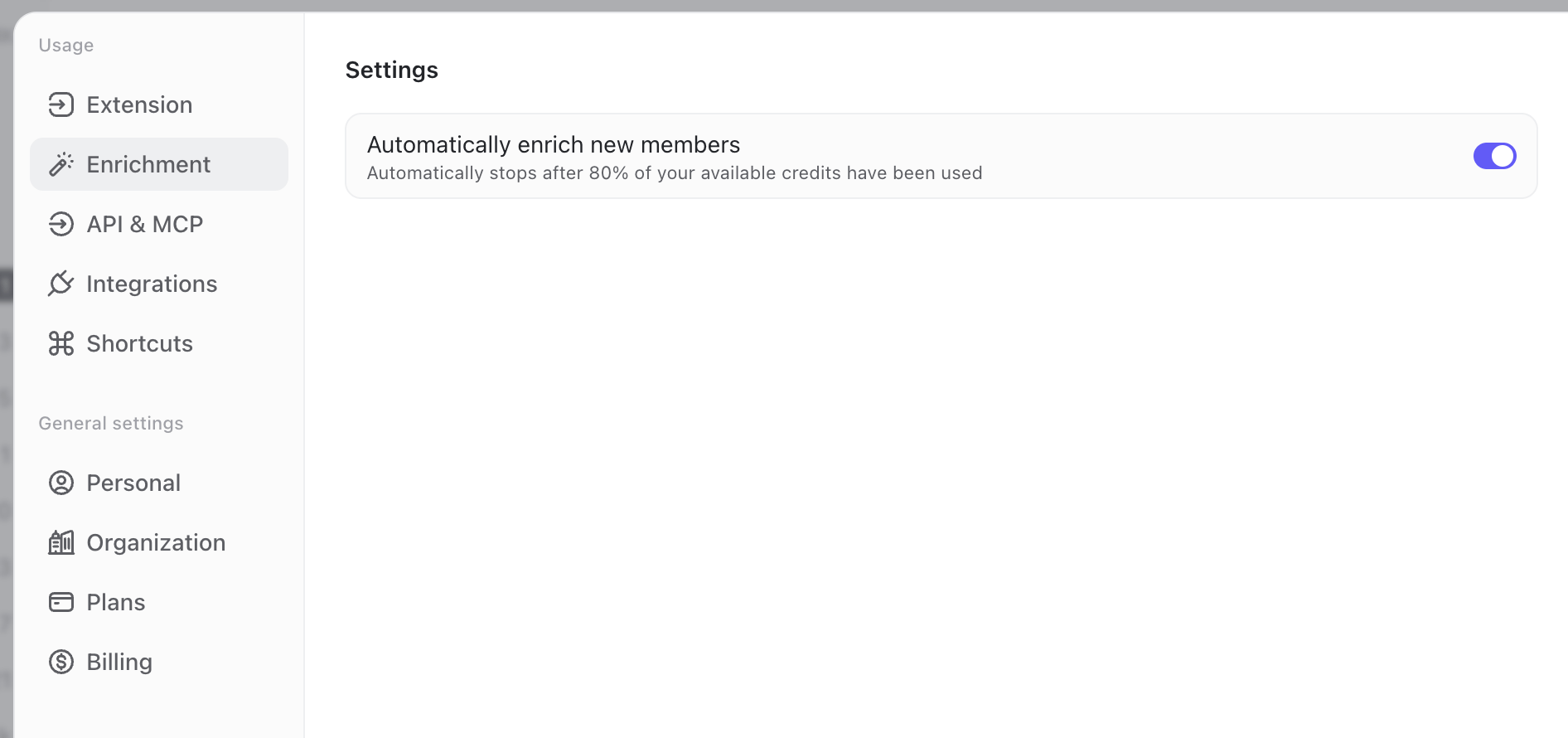
By default, TalkToHumans automatically enriches new LinkedIn contact profiles as they are imported or discovered during a sync. Automatic enrichment stops once 80% of the credits available for the billing period have been used. The remaining 20% stays available for manual enrichment, email and phone searches, and other credit-based actions. To change this setting:- Open Settings.
- Select Enrichment.
- Turn Automatically enrich new members on or off.
Bulk-enrich contacts
When you already have a list, you do not have to enrich every contact one by one. From a contact view:- Select the contacts you want to enrich, or select everyone in the current view.
- Click Enrich in the bulk-action bar.

TalkToHumans skips profile data that is already enriched.