

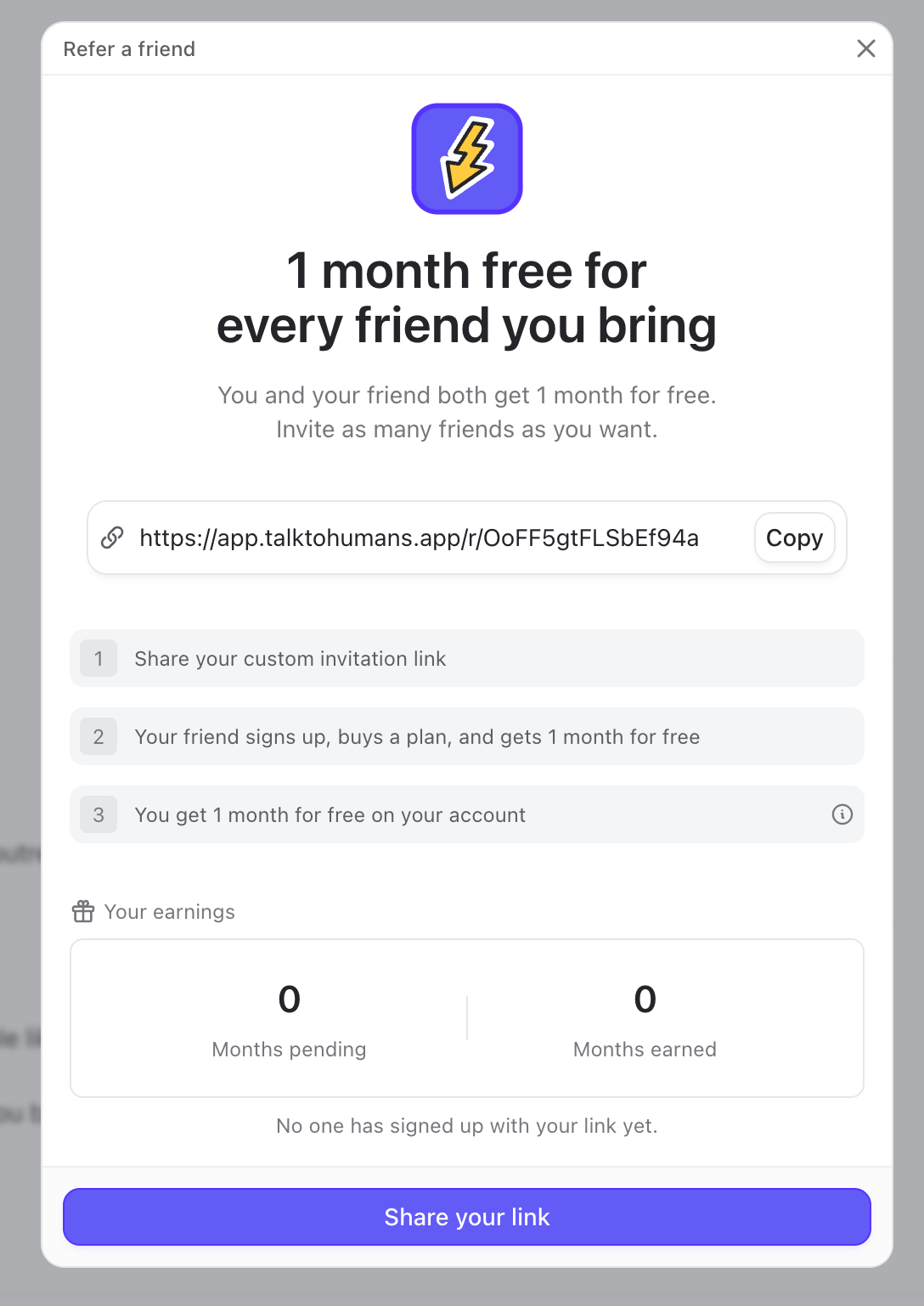
Refer someone from a conversation
1. Open the contact or company sidebar
Open a conversation, then click Refer a friend to both get 1 month for free in the sidebar.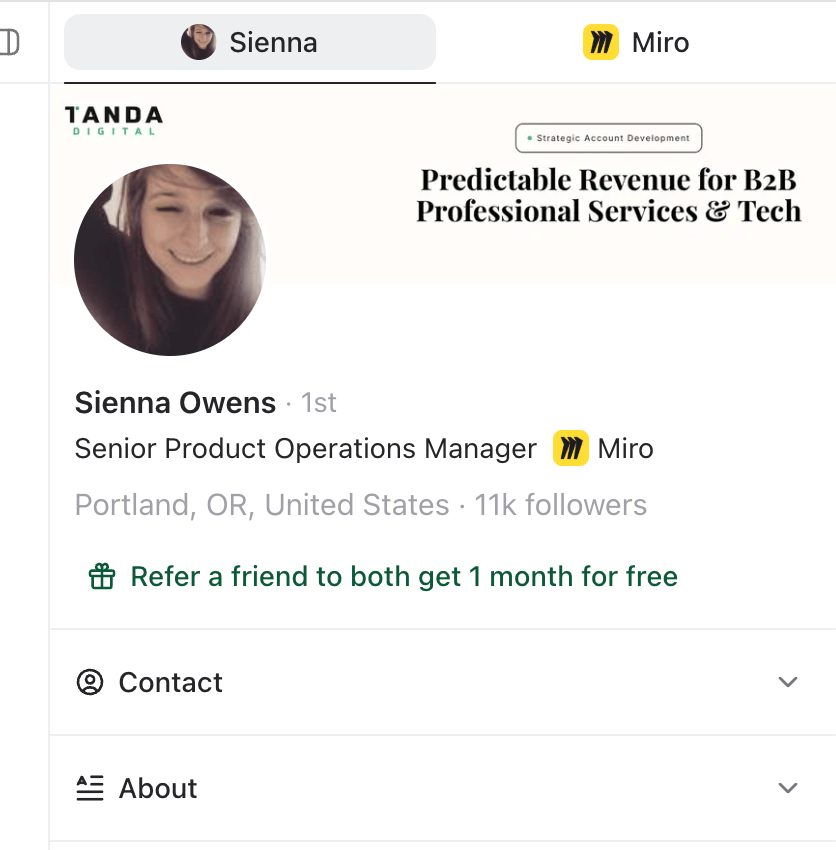
Find your link to share it outside TalkToHumans
Go to Settings → Usage & plans, then click Refer a friend to both get 1 month for free. You can then share it by email, Slack, WhatsApp, or anywhere else you talk to people.How the free months work
Your friend’s free month
Your friend needs to:- Open your invitation link and create a new TalkToHumans account.
- Connect their own LinkedIn account.
- Choose an eligible paid plan.
Your free month
Your reward becomes earned after your friend completes their first qualifying payment. If you already have an active eligible subscription, the free month is applied automatically to an upcoming invoice. If you do not have an active subscription yet, the reward is saved until you start one. Earned months do not disappear. If you refer several friends, the rewards queue up and are applied one at a time to future invoices.One free month covers the price of one seat for one month on a Starter or Pro subscription. Additional seats and other charges are billed normally.
Track your referrals
Open the referral dialog from a contact, a company, or Settings → Usage & plans. At the top of Your earnings, you can see:- Months pending: friends who signed up but have not completed a qualifying paid plan purchase yet
- Months earned: free months you have earned and can use on an active subscription