

Muting only affects your TalkToHumans inbox. It does not change the conversation or its notification settings on LinkedIn.
Mute a conversation
Open the conversation, click the ••• menu in the top-right corner, then select Mute.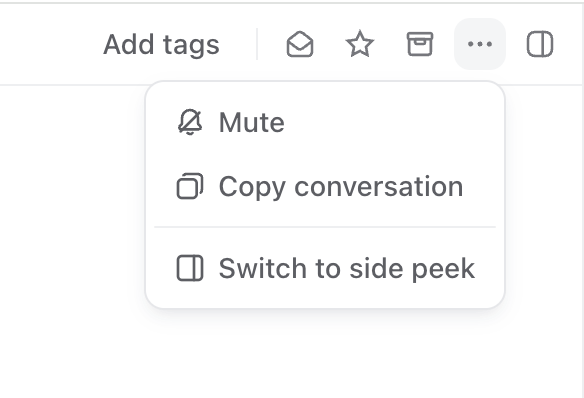
H without leaving the keyboard.
The conversation is immediately removed from your regular inboxes.
Find muted conversations
Muted conversations disappear from every regular inbox and move to the dedicated Muted inbox: Open the Muted inbox to review muted conversations: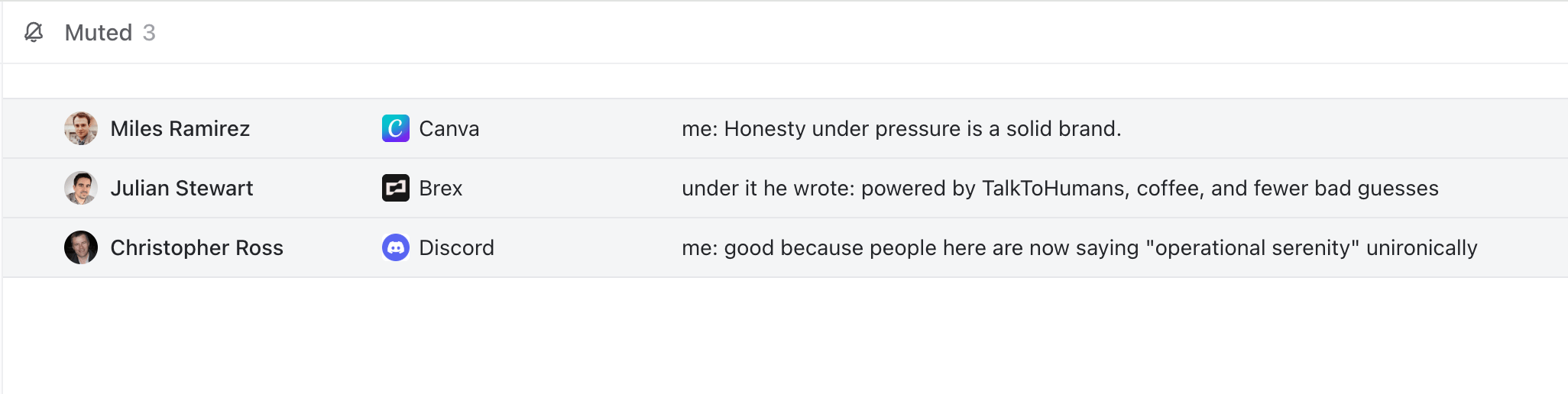
- Open the inbox settings.
- Find Muted.
- Make it visible in the sidebar.
Unmute a conversation
Open the muted conversation, then:- Click Unmute in the banner above the conversation.
- Select Unmute from the ••• menu.
- Press
Hagain.