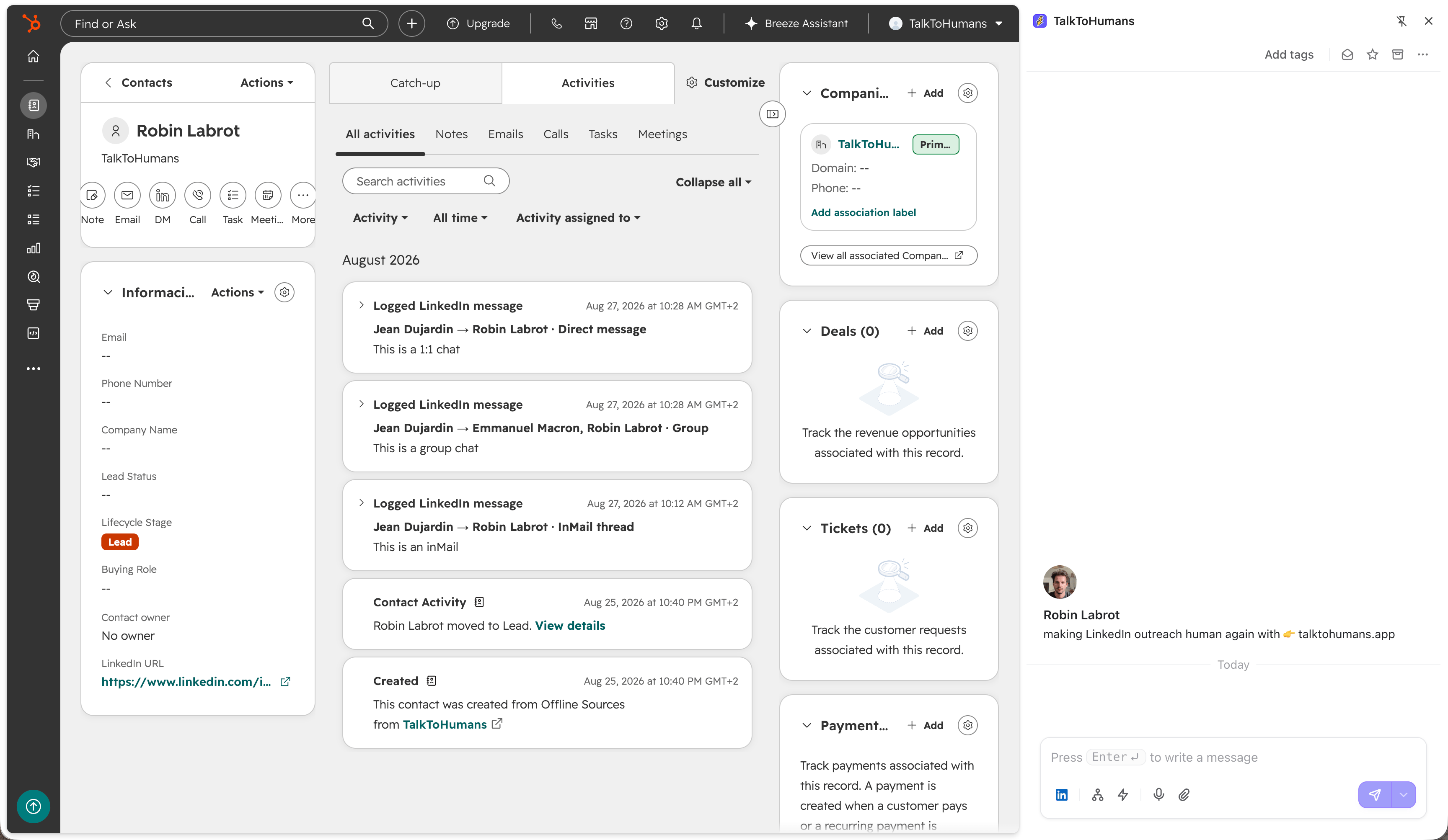
1. Connect your CRM
Go to Settings → Integrations and connect your account: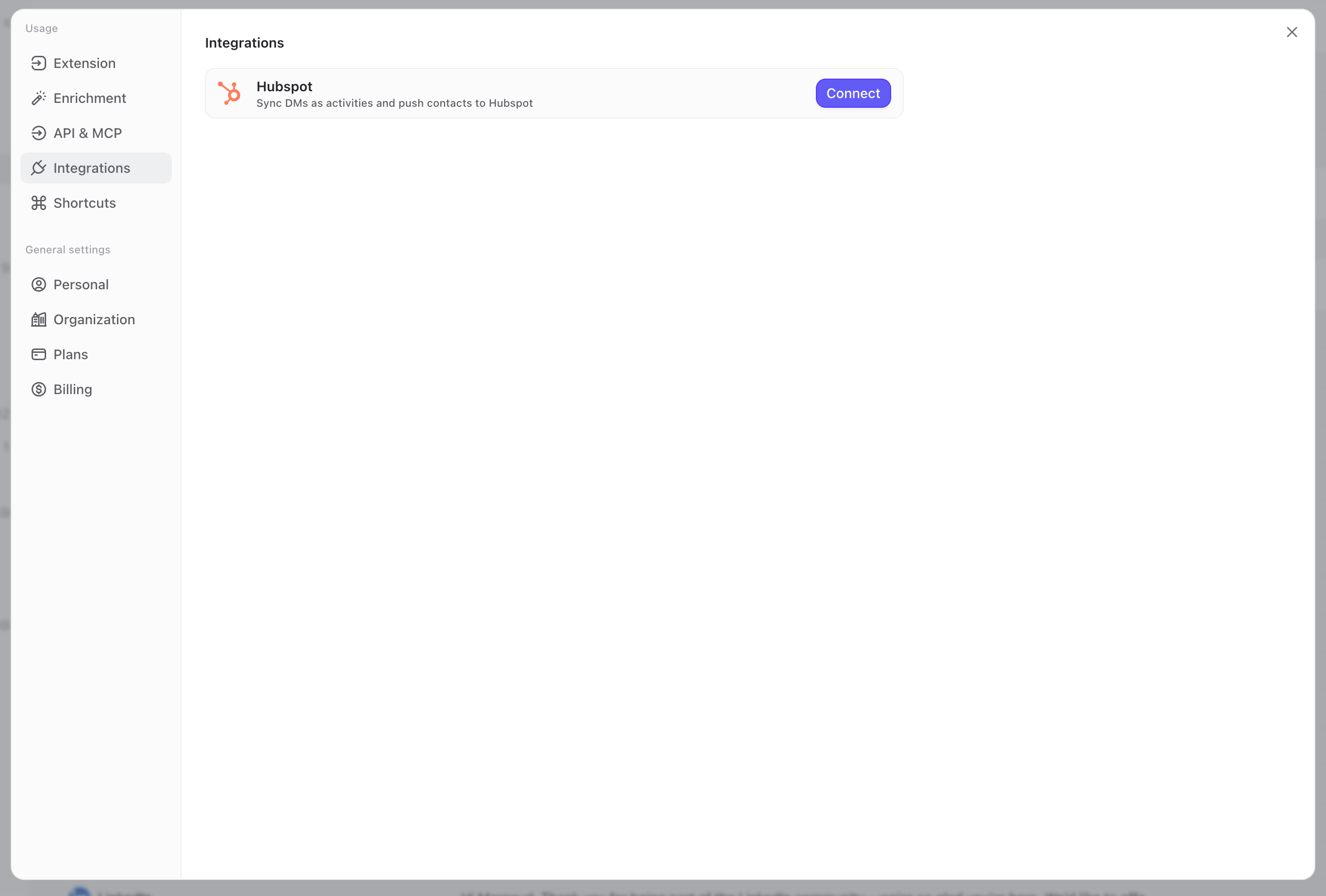
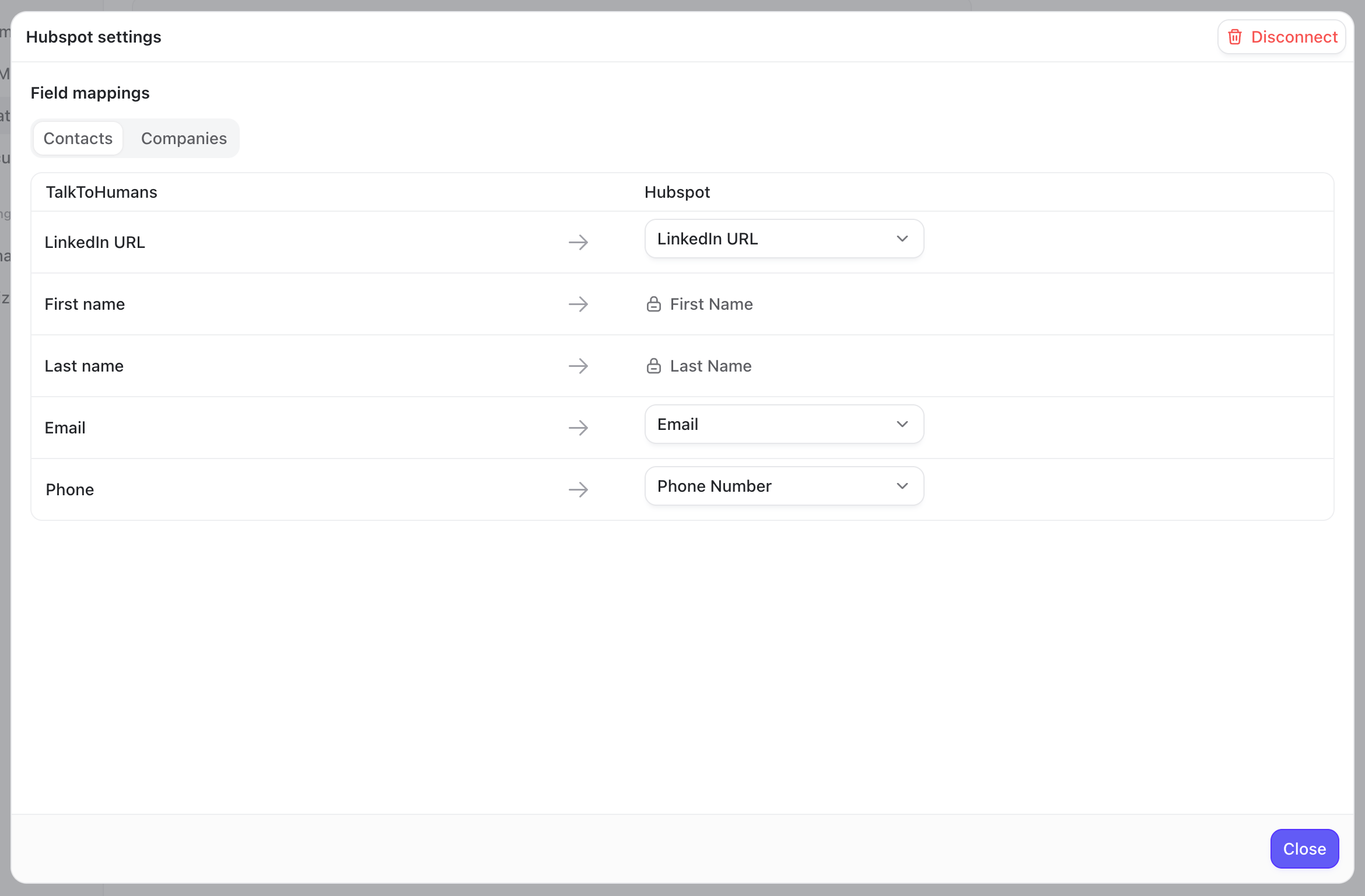
2. Create or link contacts in your CRM
TalkToHumans might contain thousands of contacts, including personal and professional connections. That does not mean all of them belong in your CRM, so here’s how it works:- Existing contacts that match your CRM contacts are automatically linked
- Contacts that aren’t yet in your CRM are not created automatically. Instead, you can push specific contacts from the sidebar:
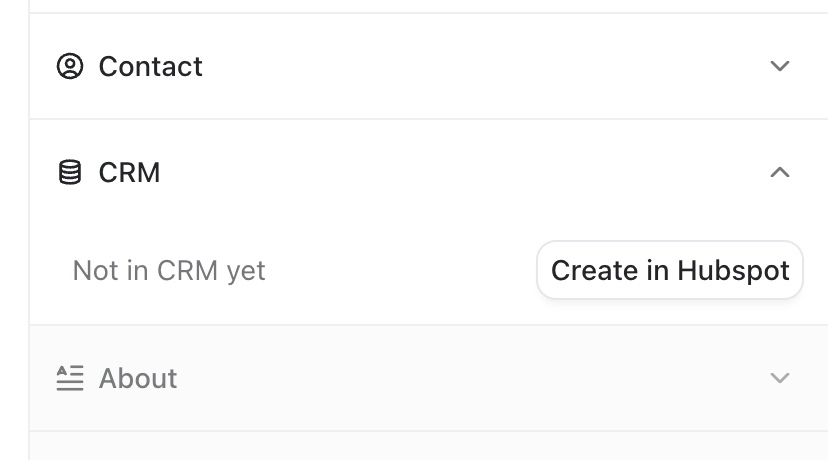
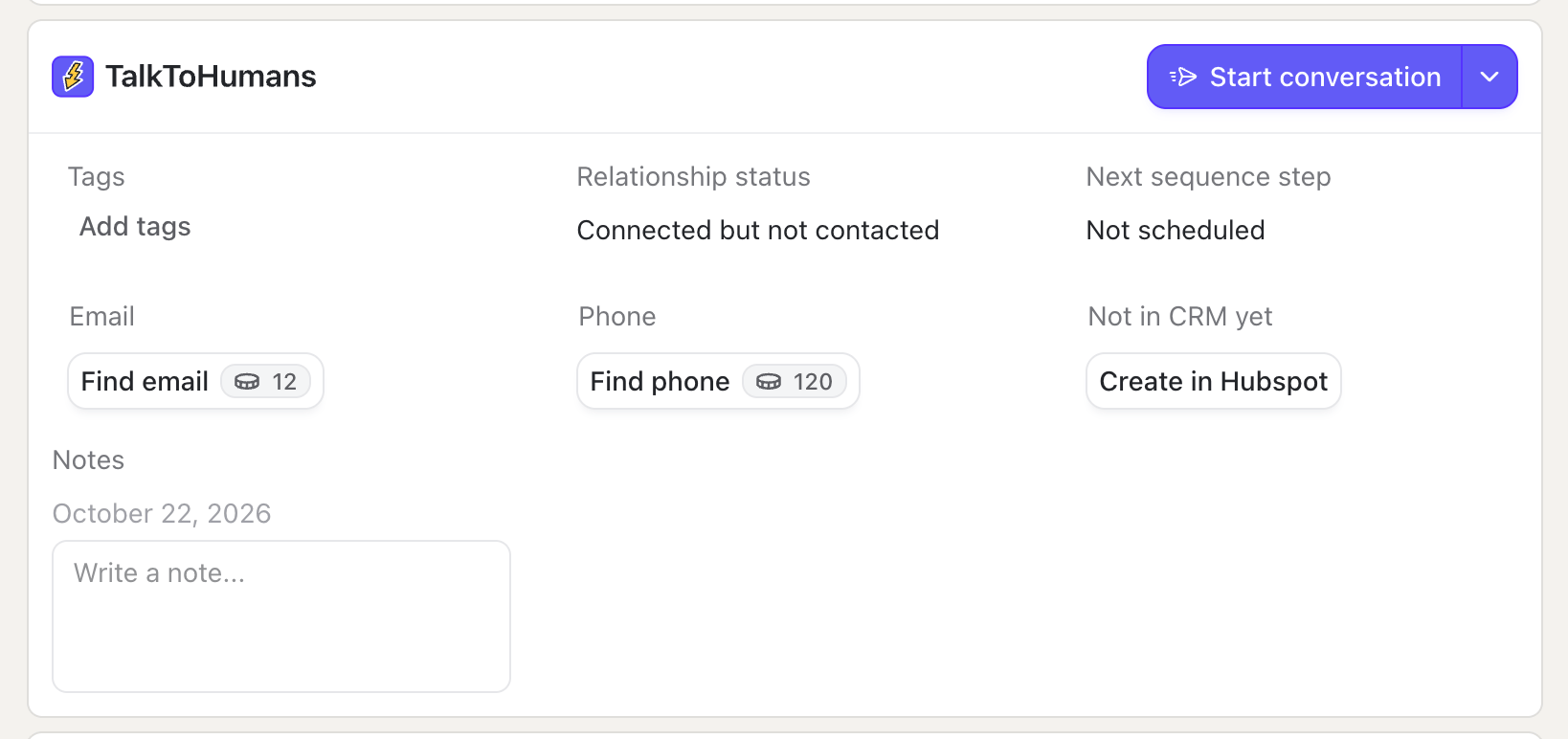
Creating a contact also creates their primary company in your CRM
3. Keep new LinkedIn DMs in your CRM automatically
Once a contact is linked, new LinkedIn DMs are automatically logged in Hubspot as LinkedIn activities: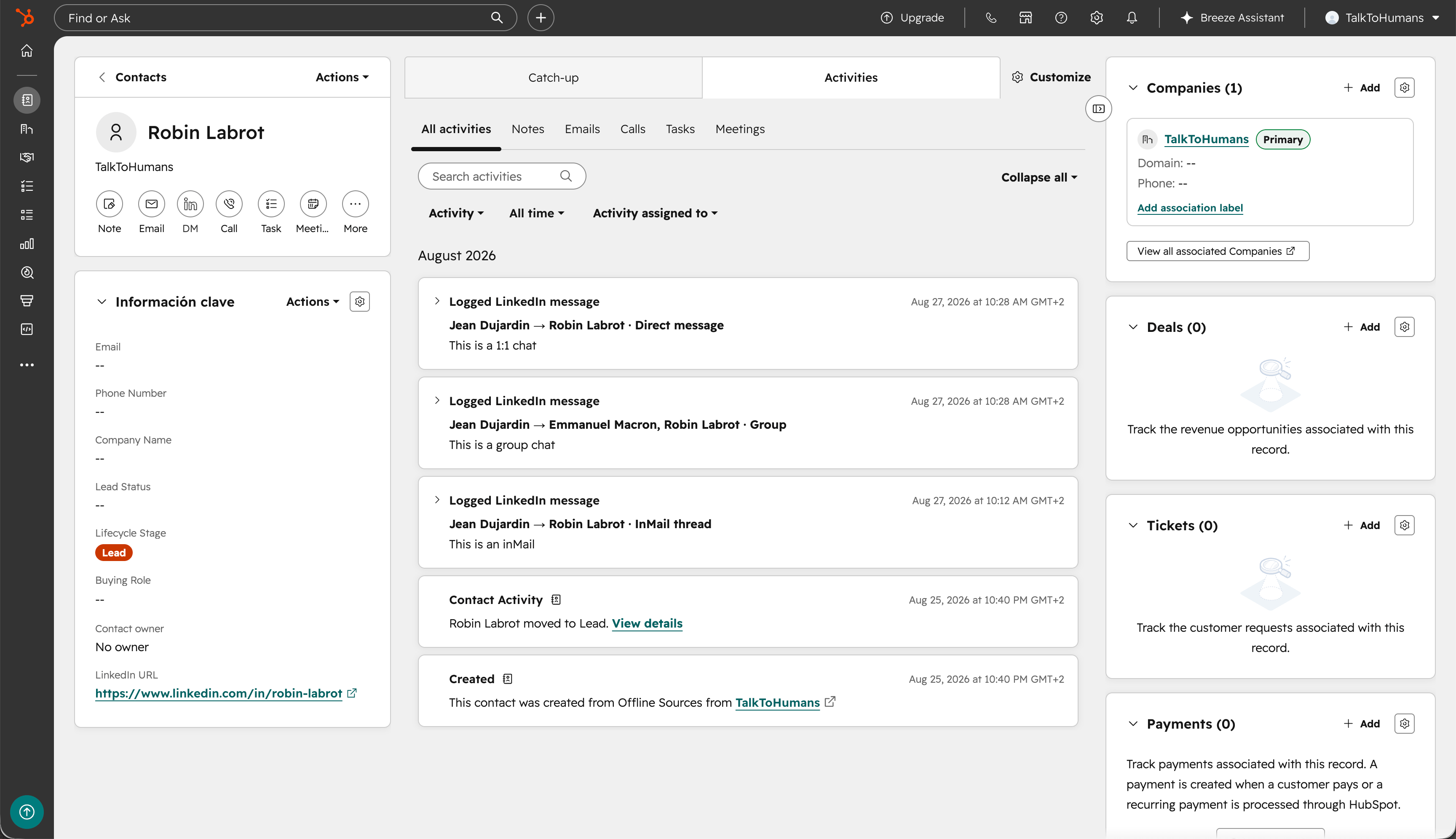
4. Send messages or schedule sequences directly from your CRM
When you’re on a contact page in your CRM, clicking the “DM” button will open a chat sidebar directly on the page: