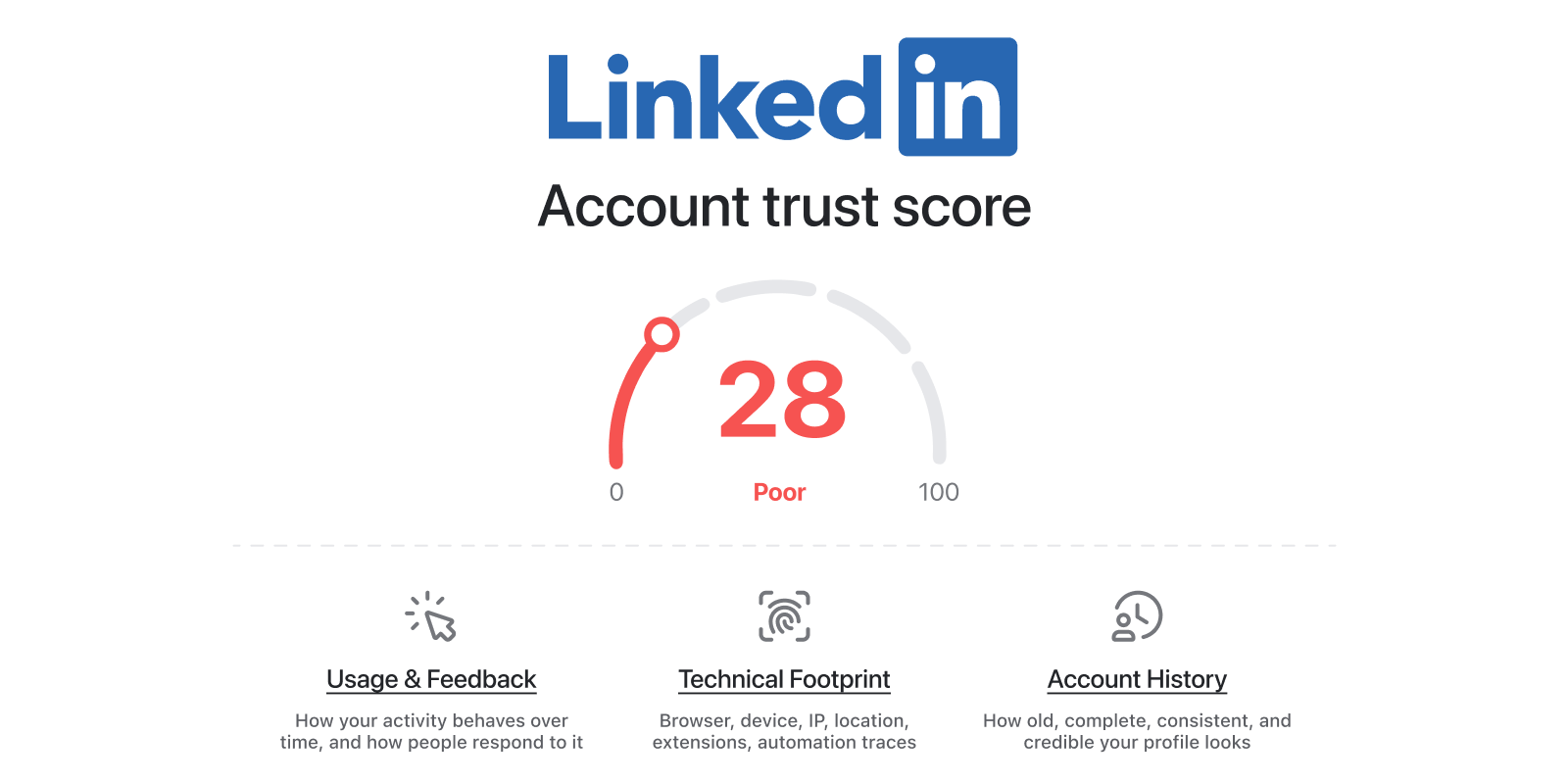
There’s a lot of nonsense out there about how LinkedIn detects unusual activity, so here’s how it actually works:
Linkedin Trust Score
Think of your LinkedIn account as having a reputation score. LinkedIn does not show you that score, but the pattern is clear: your account builds or loses trust through what you do, how you do it, and how other people respond.

Why TalkToHumans is different

We designed TalkToHumans to be the safest LinkedIn tool out there, even when it means saying no to convenient features. We call it HumanGuard, and here’s how it works: Human Guard
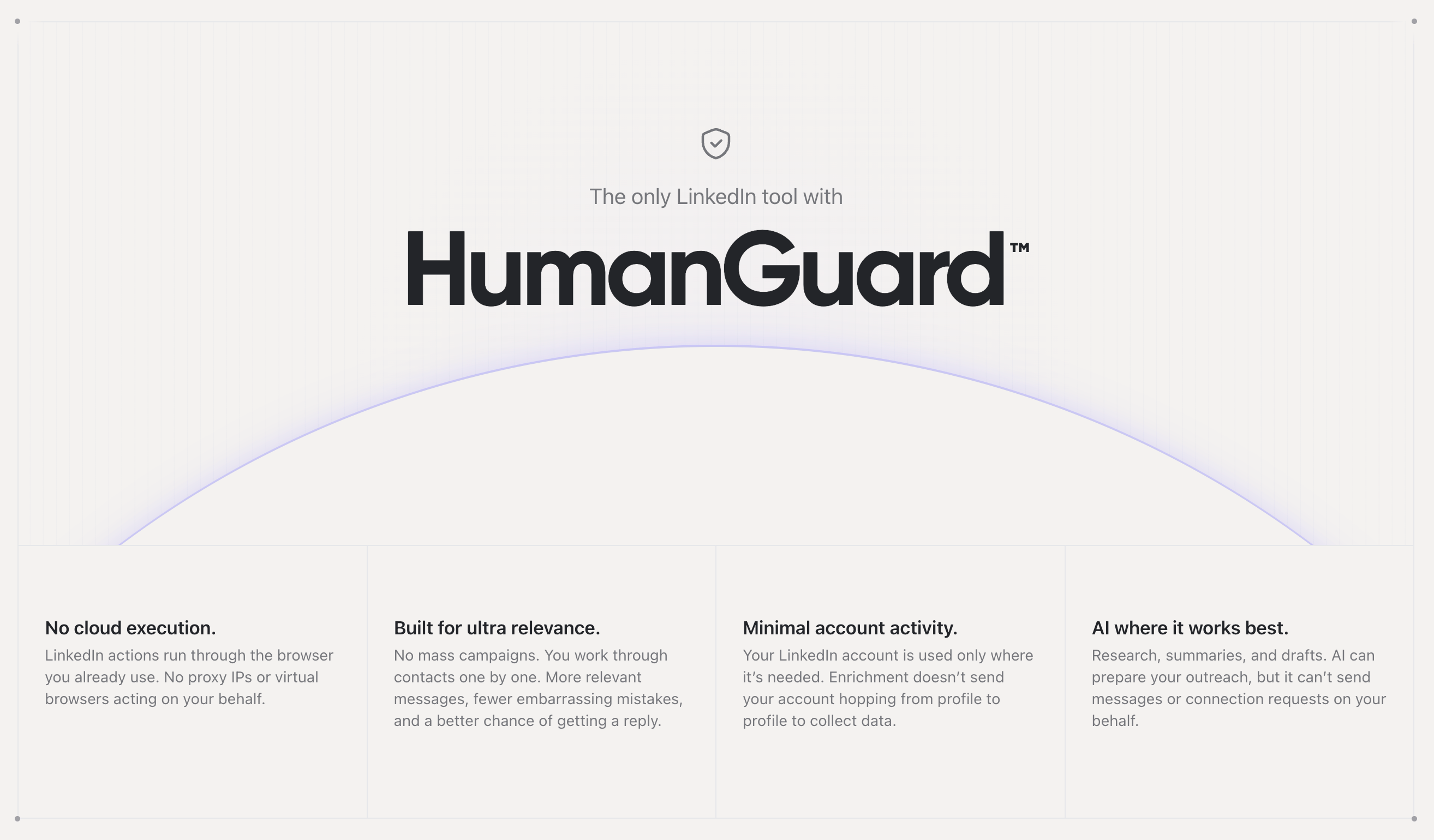
☁️ No cloud execution

Every LinkedIn action is performed directly from the Chrome browser you’re already using. Unlike many automation tools, TalkToHumans doesn’t need to reproduce your browser environment on remote servers and mimic a browser. LinkedIn simply sees what it would if you clicked yourself. The extension itself stays out of sight too. LinkedIn’s pages scan for thousands of known Chrome extensions, and extensions from many popular sales tools are on that list.

The tradeoff

Your browser needs to be open for scheduled LinkedIn actions to run. If it is closed, the action waits.

The benefit

It looks like you using LinkedIn normally, just with a different UI. This removes a major source of risk.

🛡️ Minimal account activity

TalkToHumans uses your LinkedIn account only for what’s unique to you: your network, invitations, conversations, profile viewers, and the messages you send. When data is not unique to your account, we do not use your LinkedIn account to collect it. That includes things like enrichment, finding email or phone number, or getting posts and comments.

The tradeoff

Features that don’t need your account use credits instead

The benefit

You spend credits so your account doesn’t spend reputation

👨‍🦳 Human pace, enforced

TalkToHumans paces every LinkedIn action it performs, whether you, a teammate, or the system triggered it.
  • Every action type has a conservative daily limit
  • Actions are spaced out with random gaps and bursts are capped
  • Limits belong to the LinkedIn account, so every teammate or AI agent shares the same budget

The tradeoff

You can’t go faster on a busy day

The benefit

Your account keeps a steady human rhythm even when a whole team and several agents work from it. See Safety limits for the exact daily numbers.

📦 You always work on a synced copy

TalkToHumans syncs your conversations, invitations, connections and content in the background, at the same human pace. The UI, your AI agent, the MCP, the CLI or the API all work on that copy, never on LinkedIn itself. Ask your agent 100 questions about your inbox, and LinkedIn sees no more activity than if you’d asked one.

The tradeoff

Sync runs while your browser is open, so a large account takes a while to sync completely.

The benefit

Your agent can search, sort, and analyze as much as it wants without your account moving like software.

💬 Built around conversations, not campaigns

TalkToHumans doesn’t let you blast the same message or sequence to 100+ people at once. Instead, you work through people one by one, with shortcuts, queues, and a blazing-fast UI to keep things fast. 500 lazy DMs get you 0 replies. 10 thoughtful ones get you meetings. We optimize for the latter. LinkedIn limits your daily outreach anyway. Why waste those 20–30 actions on people you haven’t reviewed?

The tradeoff

Lower volume, needs more of your attention

The benefit

Better reply rates, and a safer workflow

🧠 AI only where it works best

We believe AI is great at researching, analyzing, scoring, and organizing information. But when it comes to actually talking to people, we keep you in control, meaning that TalkToHumans MCP, CLI and API cannot directly send LinkedIn messages or connection requests. Instead, it can prepare drafts for you, but you have to review them in the UI and send yourself.

The tradeoff

You cannot tell an AI agent to message 500 people while you sleep

The benefit

You can still harness the power of AI, while keeping your account safe and your reputation intact You get the point: TalkToHumans is built for people whose LinkedIn account is too valuable to risk. Read our in-depth guide if you want to learn more about how LinkedIn detects unusual activity: https://www.talktohumans.app/blog/safe-linkedin-automation