

- Your plan decides which features your organization can use.
- Seats decide how many teammates can join the organization.
- Credits pay for actions with a variable cost, such as enrichment, finding contact details, and using AI prompts.
See your current plan and usage
Open Settings → Plans.
- Your current plan, status, and renewal date
- How many seats are paid for and how many are already used
- How many credits have been consumed and how many remain
Choose a plan
TalkToHumans has four plans:
Yearly plans are billed annually at a 10% discount, but their included credits still arrive every month.
The free trial
New organizations start with a 7-day Pro trial and 100 promotional credits. The trial gives you the Pro feature set. Trial credits do not expire, so any unused credits remain available if you move to Free or choose a paid plan.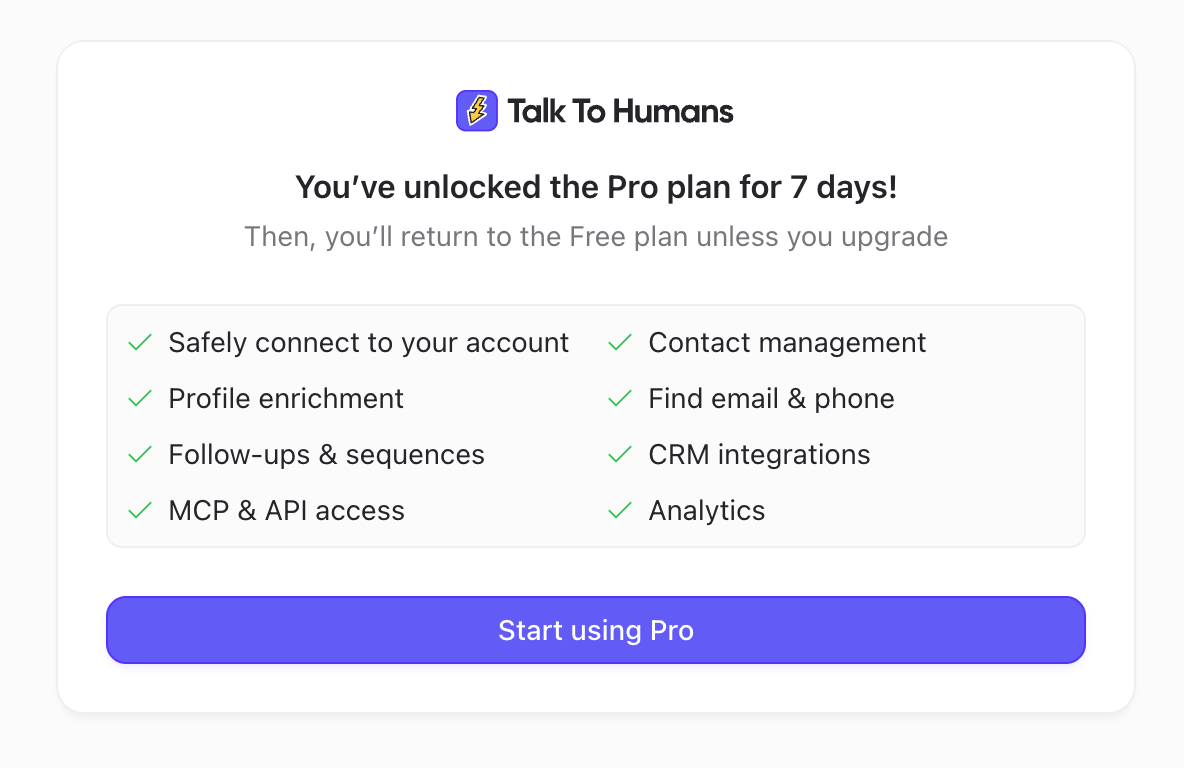
Unless you add a payment method and select a paid plan, the organization automatically moves to Free when the trial ends.
How seats work
You need one paid seat for each teammate in the organization. Pending invitations count toward your required seats too. Each paid Starter or Pro seat adds an additional block of included monthly credits to the organization’s shared balance. For example, three Pro seats provide 6,000 included credits each month. To add seats, open Settings → Plans and click Buy more seats. You can also change the seat count while upgrading, downgrading, or switching billing periods.How credits work
The credit badge beside an action shows its cost before you run it.