
LeadDelta vs TalkToHumans
LeadDelta organizes your LinkedIn network. TalkToHumans turns it into outreach that stops when people reply, backed by enrichment, lead lists, MCP search, and CRM sync.
Strengths of each
 TalkToHumans
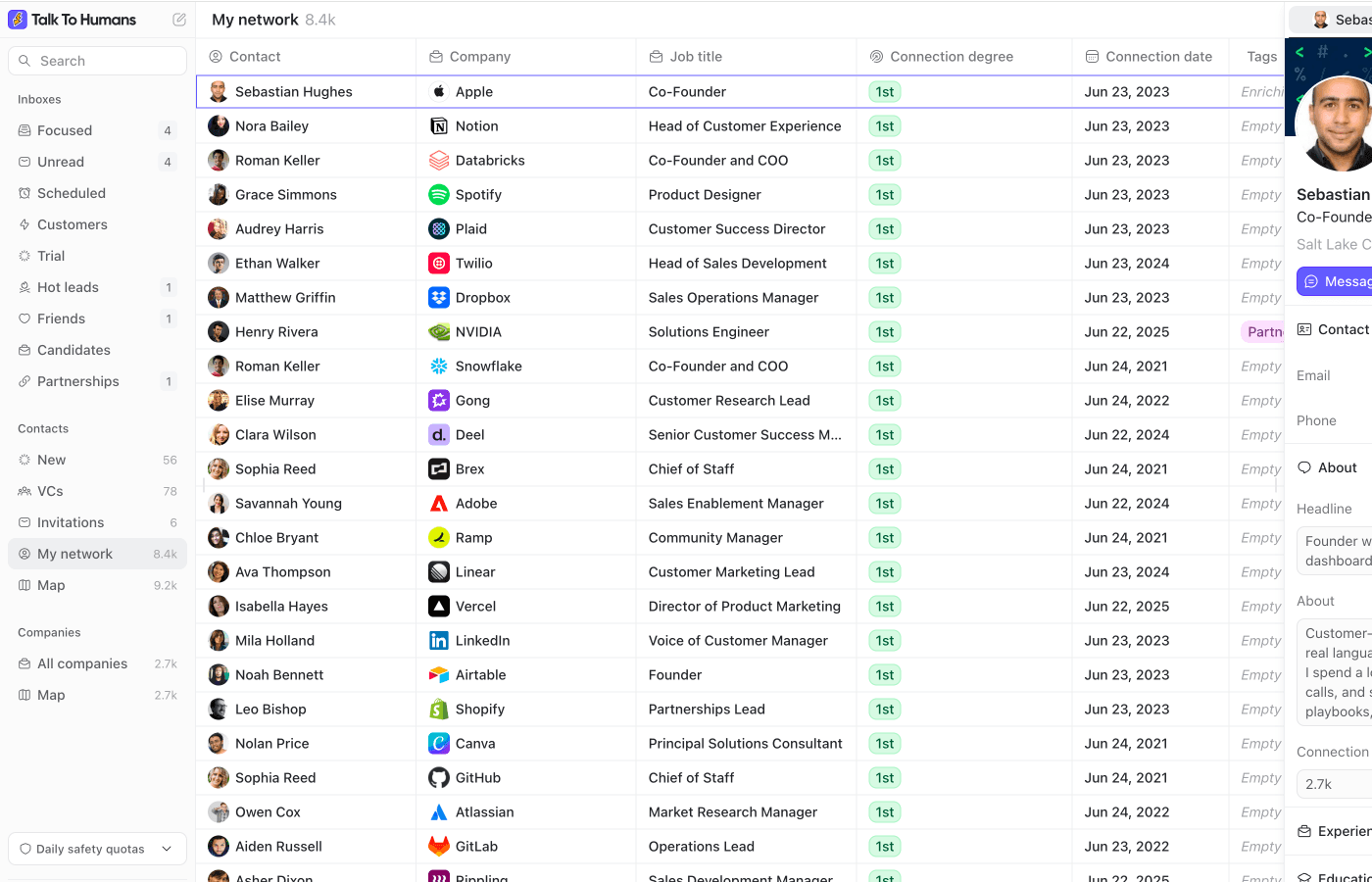
- LinkedIn CRM plus execution layer: import people, sync your network, enrich, and reach out
- Follow-ups and connection requests are built in
- MCP and API make your LinkedIn network usable inside your CRM, AI tool, or GTM stack
 LeadDelta
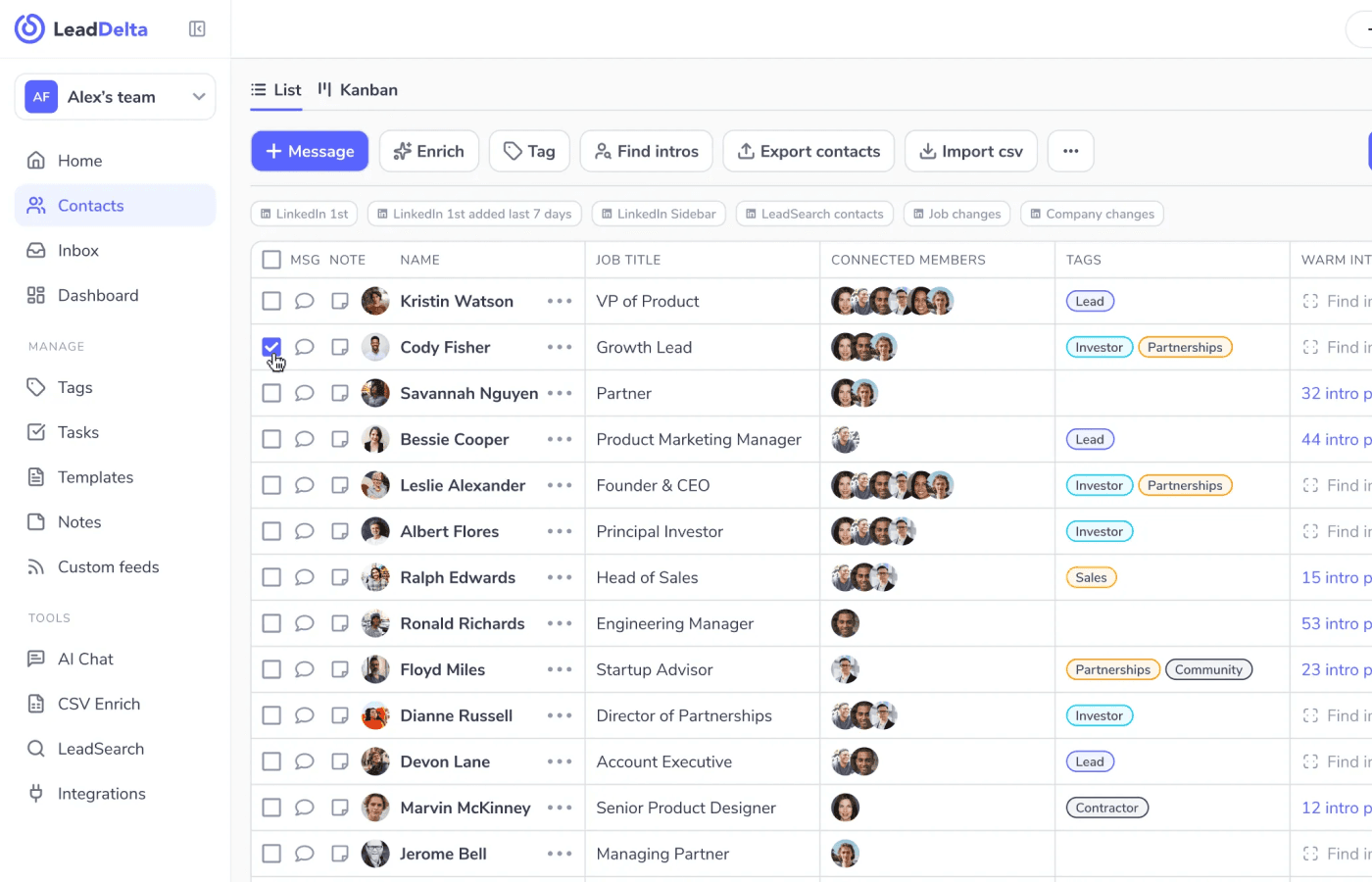
- Mature LinkedIn CRM for organizing, tagging, filtering, and cleaning a network
- Strong, broad enrichment: email, phone, LeadSearch, and waterfall
- Team relationship intelligence with shared networks and warm-intro paths
LeadDelta feature comparison
| Feature | TalkToHumans | LeadDelta | Notes |
|---|---|---|---|
| Core workflow | ✅ LinkedIn CRM plus outreach workflow | ✅ LinkedIn CRM and shared network workspace | Both products help you make LinkedIn usable as a relationship database. LeadDelta is strong for organizing and enriching your network. TalkToHumans goes one step further: after you find the right people, you can reach out, schedule follow-ups, manage replies, and sync the data back into your stack. |
| LinkedIn import and network sync | ✅ Import profiles and sync your whole LinkedIn network | ✅ Sync LinkedIn connections into a CRM | TalkToHumans can import people directly from LinkedIn profiles and sync your LinkedIn network into a CRM-style workspace. That matters when your best leads are already somewhere in your network, but LinkedIn makes them hard to find, segment, and work. |
| Enrichment and contact data | ✅ Enrich profiles, companies, emails, and phone numbers | ✅ Email, phone, LeadSearch, and waterfall enrichment | LeadDelta is genuinely strong here. TalkToHumans also lets you enrich contacts and companies, find work emails, find phone numbers, and use that data where you actually work: contact views, company views, sidebars, filters, and outbound workflows. |
| Lead lists and saved views | ✅ Lists and custom views across contacts, companies, and inboxes | ✅ Lists, tags, filters, and pipeline views | Both segment a LinkedIn network well; TalkToHumans extends that same CRM logic into the execution layer. You can build lists of people, filter by profile or company data, save the views that matter, and then use those views to decide who to contact next. |
| MCP lead discovery | ✅ Search your network with MCP and find people worth talking to | ✅ API access (MCP via bundle) | A common TalkToHumans use case is asking an AI assistant to search your LinkedIn network and surface the people worth talking to: investors, prospects, candidates, partners, customers, or warm intro paths. The point is not just "AI chat." It is making your existing network searchable and useful. |
| CRM and GTM stack sync | ✅ API and MCP to sync contacts into your CRM or stack | ✅ HubSpot, Zapier, Make, API, and MCP | LeadDelta has a broader packaged integration story today. TalkToHumans is strong if you want a flexible LinkedIn data layer: contacts, notes, tags, custom fields, saved views, and conversation context can be exposed through API and MCP so your CRM, reporting system, AI assistant, or GTM stack can use the data. |
| Start conversations | ✅ Reach out, schedule messages, and follow up safely | ⚠️ Tasks, reminders, templates, and batch messaging | This is where TalkToHumans becomes more than a LinkedIn CRM. Once you find the right people, you can contact them, apply templates, schedule messages, run follow-ups, and keep everything tied to the person and conversation. |
| Follow-ups and sequences | ✅ Automated follow-ups that stop on reply | ⚠️ Reminders and batch messaging | LeadDelta helps you remember people. TalkToHumans helps you make sure the next step actually happens. You can create simple LinkedIn follow-up flows, including connection-request steps, and stop them automatically when someone replies. |
| Account safety and execution | ✅ Runs in your browser session with pacing and daily quotas | ⚠️ Chrome extension workflow with safety controls | Both products are lower-risk than classic cloud automation tools. TalkToHumans is especially opinionated here: actions run through your own browser session, with conservative pacing, daily caps, spacing, and clear limits. |
| LinkedIn inbox | ✅ Inbox-first workspace with custom views | ⚠️ AI inbox inside a broader CRM | LeadDelta gives a basic inbox experience. TalkToHumans makes the inbox part of the CRM workflow: profile context, tags, notes, enrichment, templates, scheduled messages, follow-ups, and saved views all live around the conversation. |
| Team relationship intelligence | ⚠️ Shared workspace, API, MCP, and custom fields | ✅ Shared network and warm-intro paths | LeadDelta is the better fit if the main question is "who on our team knows this person?" TalkToHumans is the better fit if the next question is "what should we do with this person now?" |
LeadDelta pricing comparison
| Plan | TalkToHumans | LeadDelta |
|---|---|---|
| Free trial | Free plan, plus a 7-day trial for paid workflows | 7-day free trial, no credit card required |
| Starter | $20/user/month. Removes watermark and adds contact management, profile enrichment, and AI features | $25/user/month monthly, or $17.50/user/month billed annually. Core LinkedIn CRM, tags, notes, tasks, reminders, sidebar, and basic analytics |
| Pro | $40/user/month. Adds follow-ups, sequences, email and phone lookup, API access, and MCP access | $55/user/month monthly, or $38.50/user/month billed annually. Adds stronger inbox, messaging, integrations, and advanced relationship workflows |
| Business | Not offered | $99/user/month monthly, or $69.30/user/month billed annually. Adds team relationship intelligence, shared workspace features, and higher limits |
Is TalkToHumans the best LeadDelta alternative for you?
Choose TalkToHumans if...
TalkToHumans is the better fit if you want LinkedIn CRM, enrichment, lead lists, MCP search, CRM sync, and safe outreach in one workflow.
Choose LeadDelta if...
LeadDelta is the better fit if your main priority is a mature shared LinkedIn relationship database, team warm-intro paths, bulk network cleanup, and a broader packaged enrichment and integration layer.
Moving from LeadDelta to TalkToHumans
Step 1
Sync your LinkedIn workspace
Create your TalkToHumans account, connect LinkedIn, and sync your network and conversations so the people you already know are available in a CRM-style workspace.
Step 2
Rebuild your most useful lists
Recreate the lists that actually drive action: prospects, customers, candidates, investors, partners, event contacts, or people to re-engage. Use tags, notes, profile fields, company fields, and saved views.
Step 3
Turn lists into action
Once the right people are identified, use templates, scheduled messages, and follow-up sequences to contact them safely. If someone replies, the follow-up stops automatically.
Common questions
Want your LinkedIn CRM to actually do something?
Reach out with safe, reply-aware follow-ups that stop the moment someone responds, backed by a LinkedIn CRM that syncs your network, enriches the right people, and pushes them into your stack.
