
Kondo vs TalkToHumans
Kondo helps you get to inbox zero on LinkedIn. TalkToHumans helps you turn LinkedIn conversations into pipeline by making follow-ups, CRM visibility, and relationship workflows effortless, without risky automation.
Strengths of each
 TalkToHumans
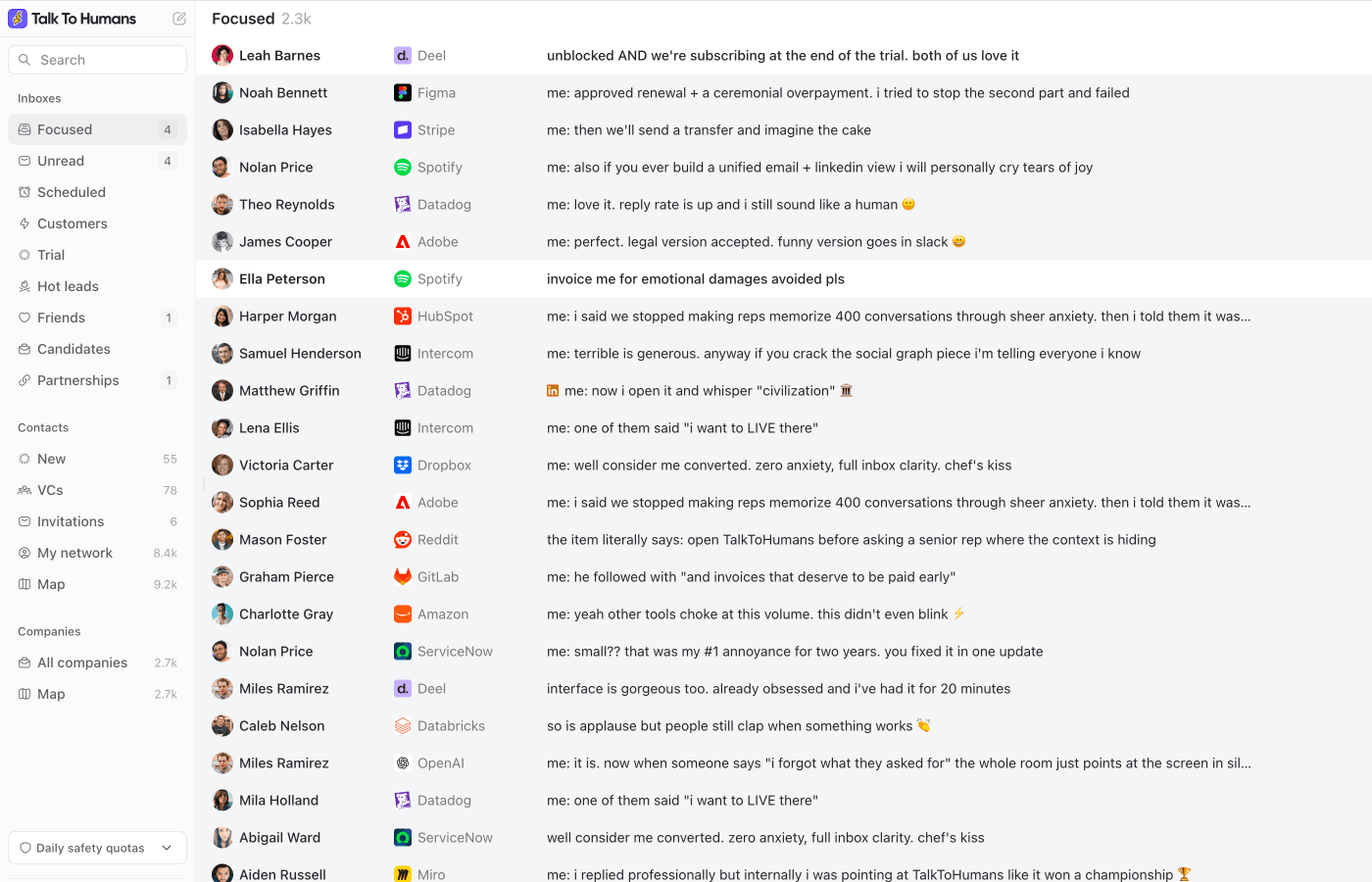
- The safest LinkedIn tool out there
- Follow-ups and sequences are built into the workflow, including connection requests and auto-cancel on reply
- The sidebar gives much richer context on the person and company, so replies are easier to personalize
 Kondo
Kondo
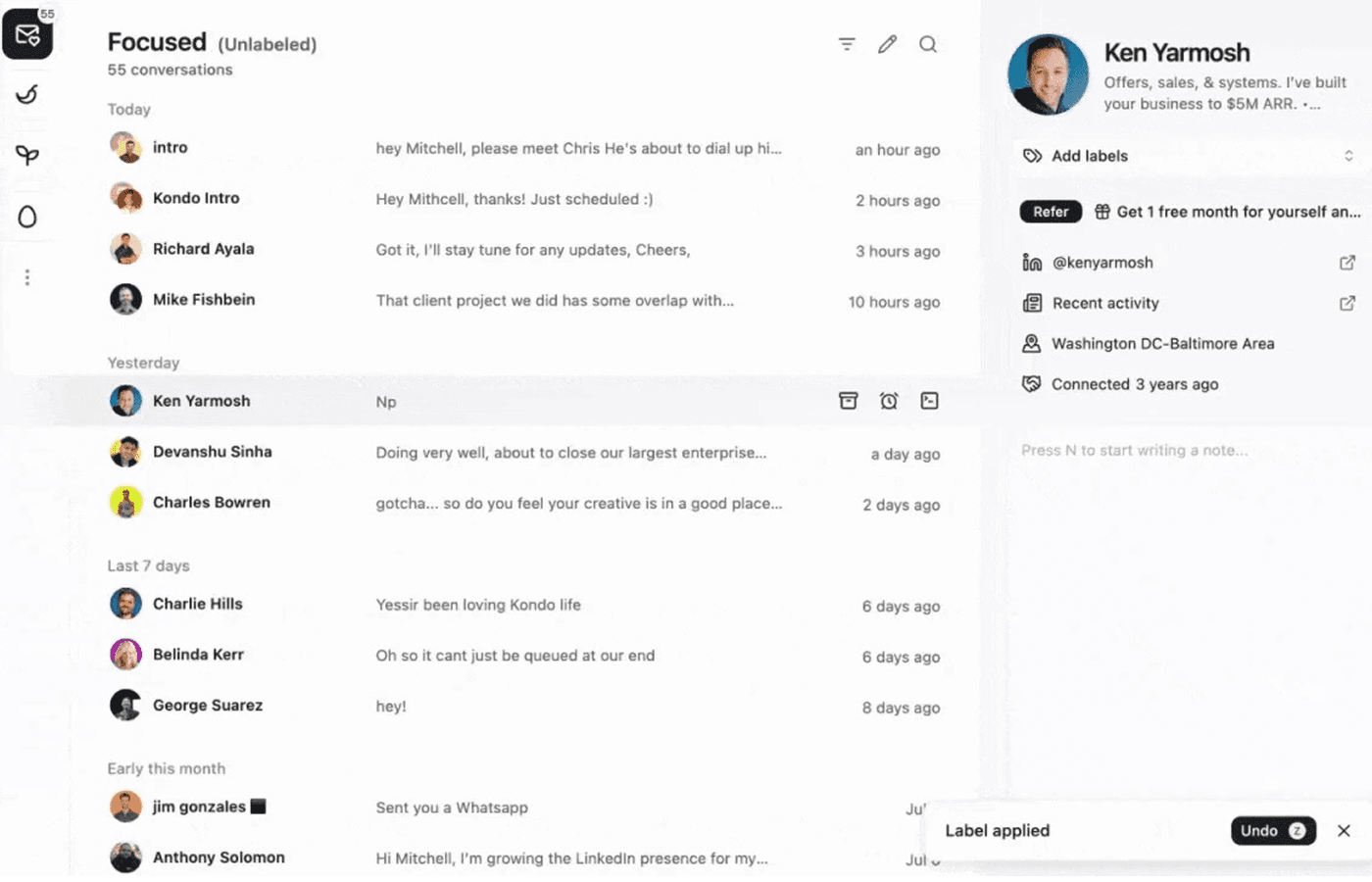
- Very minimal LinkedIn DM inbox experience
- Strong reputation with Kondo users who love shortcuts, labels, snippets, reminders, and inbox zero
- More mature integration story today, including CRM integrations and Sales Navigator inbox support on higher plans
Kondo feature comparison
| Feature | TalkToHumans | Kondo | Notes |
|---|---|---|---|
| Core workflow | ✅ LinkedIn inbox plus CRM-style workflow | ✅ Minimal LinkedIn inbox with labels and shortcuts | Both help you move faster through LinkedIn DMs. Kondo keeps the surface minimal; TalkToHumans is built so a valuable conversation or follow-up never slips, who to contact, when to follow up, and what happens next |
| Account safety & execution | ✅ Browser-based actions with pacing and quotas | ✅ Browser-session execution | Both run in your own browser, so both avoid the worst account risks. TalkToHumans goes further by enforcing conservative pacing and daily quotas, so follow-ups stay closer to normal LinkedIn behavior. |
| Follow-ups and sequences | ✅ Automated follow-ups that stop on reply | ❌ Reminders and snooze only | This is the biggest practical difference. TalkToHumans can run simple LinkedIn follow-up flows directly, while keeping them visible and reply-aware |
| LinkedIn profile context | ✅ Rich person and company sidebar | ⚠️ Lightweight context beside the conversation | If you personalize messages or qualify people before replying, the richer sidebar matters. You do not have to keep opening LinkedIn, Sales Navigator, ChatGPT, and a CRM tab just to understand the person |
| Filtering and saved views | ✅ Custom views across inboxes, contacts, and companies | ⚠️ Split inboxes, labels, and basic filters | TalkToHumans is closer to a Notion-like LinkedIn workspace. Kondo is closer to a minimal LinkedIn inbox |
| Contact and network management | ✅ LinkedIn contact and company views | ⚠️ First-degree connections with search and labels | Kondo keeps contact management closer to conversation processing. TalkToHumans helps you manage the people behind those conversations |
| AI writing help | ✅ Built-in AI for replies and personalization | ❌ No AI writing help | TalkToHumans avoids autopilot spam. The AI is there for the annoying part: rewriting, proofreading, and personalizing with context without copying everything into another tab |
| MCP and API | ✅ Flexible API and MCP | ⚠️ MCP + webhook + integrations | Kondo has the more mature integration ecosystem today. TalkToHumans offers a more flexible developer platform through its API and MCP |
| Product focus | ✅ Going deep on LinkedIn only | ⚠️ Moving toward one inbox for every social channel | This is a real tradeoff. Kondo's broader social inbox direction can be useful if you want one place for many networks, but it may mean less product depth on LinkedIn-specific workflows. TalkToHumans is intentionally going deeper on LinkedIn |
Kondo pricing comparison
| Plan | TalkToHumans | Kondo |
|---|---|---|
| Free | $0/user/month. Unlimited conversations, tags, views, templates, safety limits, and a message watermark | No public free plan found. 14-day money-back guarantee |
| Starter / Basic | $20/user/month. Removes watermark and adds one-step follow-ups, lead management, and AI features | Basic is $28/user/month billed annually. Labels, snippets, reminders, voice notes, and inbox workflows |
| Pro / Business | $40/user/month. Adds enrichment, scheduled sequences, and higher-end data workflows | Business is $36/user/month billed annually. Adds Sales Navigator inbox, CRM integrations, analytics, and MCP |
| Enterprise | No public enterprise tier in core pricing | Enterprise is $52/user/month billed annually. Adds unlimited sync destinations, SAML SSO, and VIP support |
Is TalkToHumans the best Kondo alternative for you?
Choose TalkToHumans if...
TalkToHumans is the better fit if your LinkedIn workflow starts before the first message and continues after the reply.
Choose Kondo if...
Kondo is the better fit if you mostly want the most minimal inbox experience, or like the idea of one inbox across social channels.
Moving from Kondo to TalkToHumans
Step 1
Sync your LinkedIn workspace
Create your TalkToHumans account, and let it sync your conversations and network. You can test the workflow on the free plan before changing your Kondo setup
Step 2
Bring over your labels and inbox logic
Use the Kondo MCP and TalkToHumans MCP to move your Kondo labels into TalkToHumans tags and rebuild the inboxes you care about.
Step 3
Rebuild follow-up workflows as sequences
Turn your reminders, snippets, and recurring follow-up patterns into TalkToHumans templates and sequences.
Common questions
Wish Kondo could do a little more?
Get the inbox experience you love, plus follow-ups that stop on reply, richer LinkedIn profile context, and Notion-like filters and views
